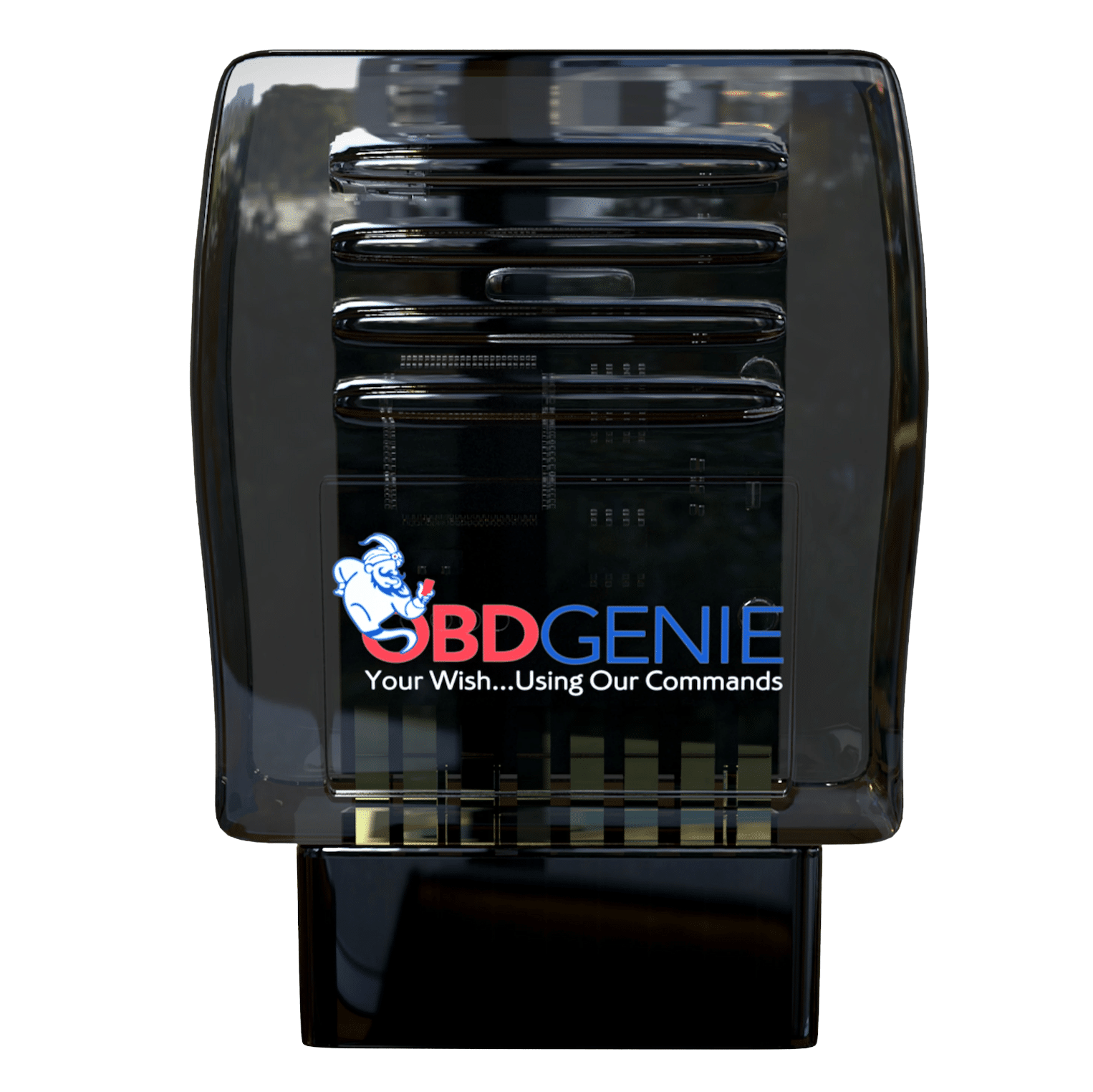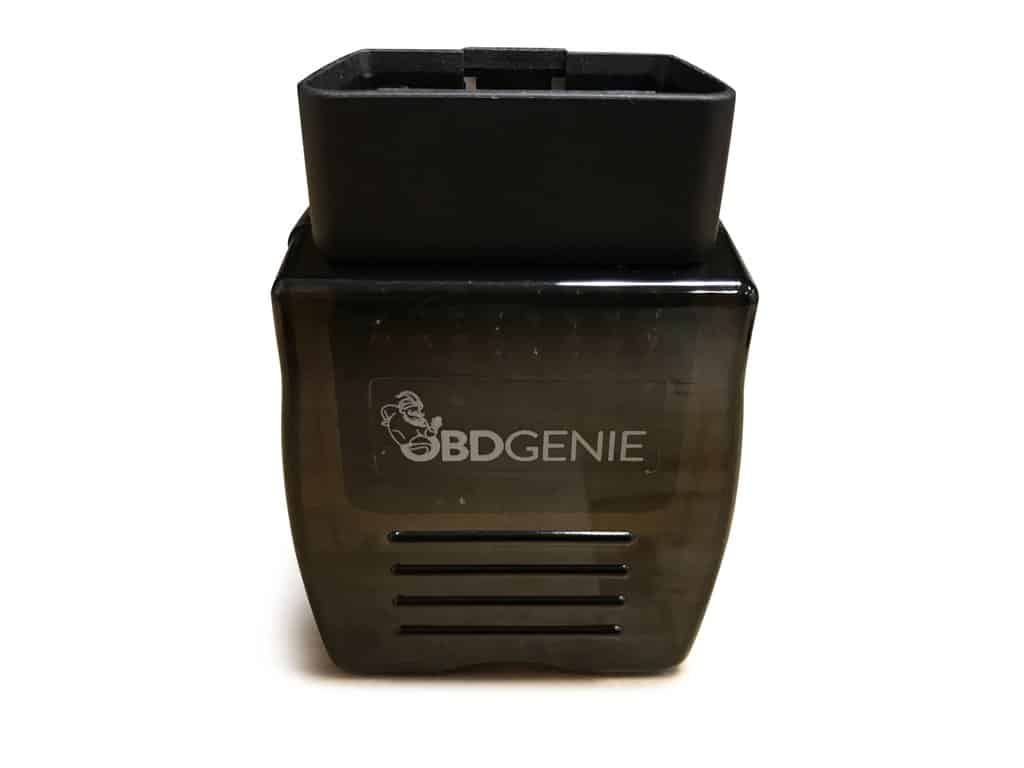
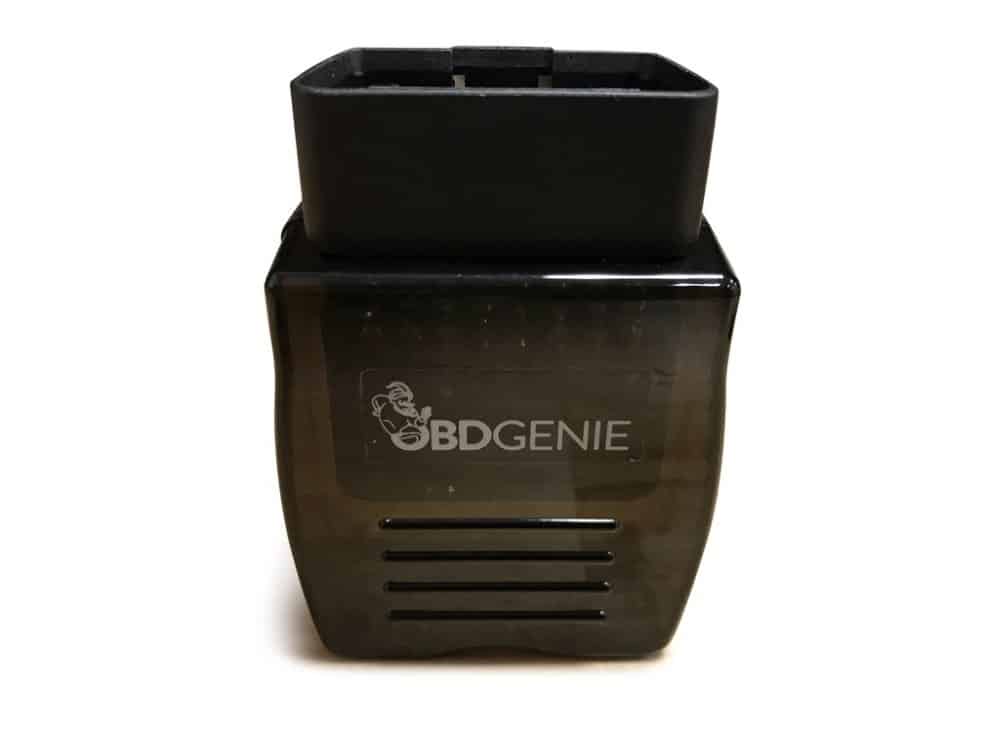
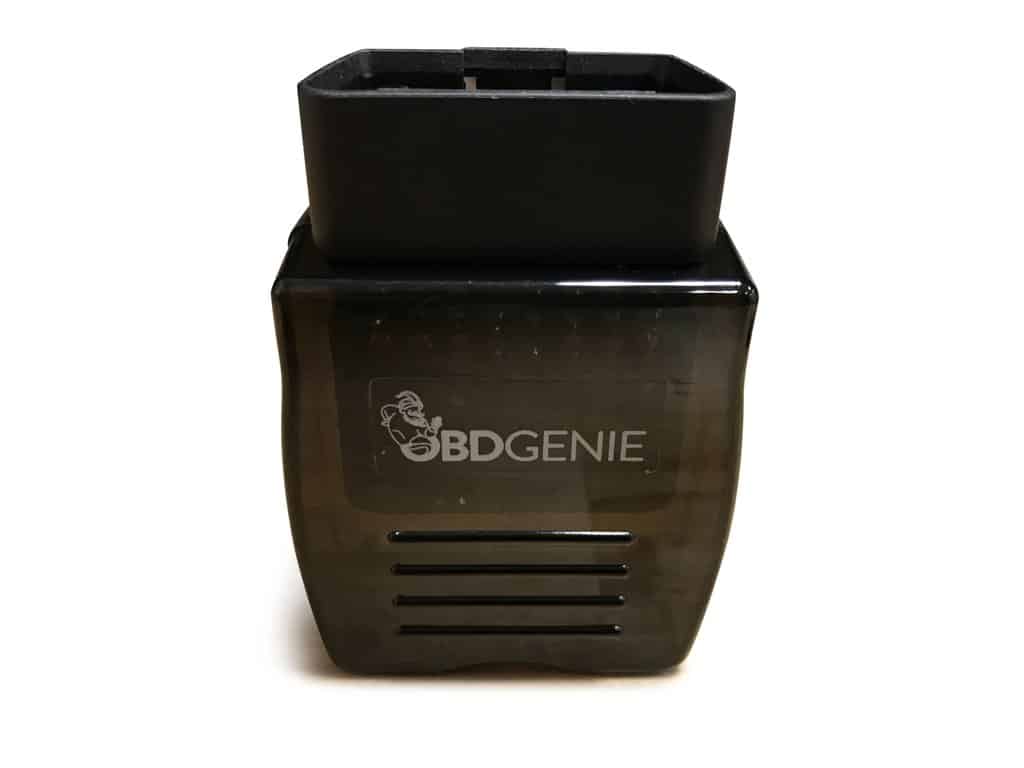

Ford Backup Rear View Camera Programmer
$129.95
In stock (can be backordered)
- Product Description
- Product Installation
- Product Features
- Vehicle Compatibility
- Reviews (0)
- Shipping & Delivery
Description
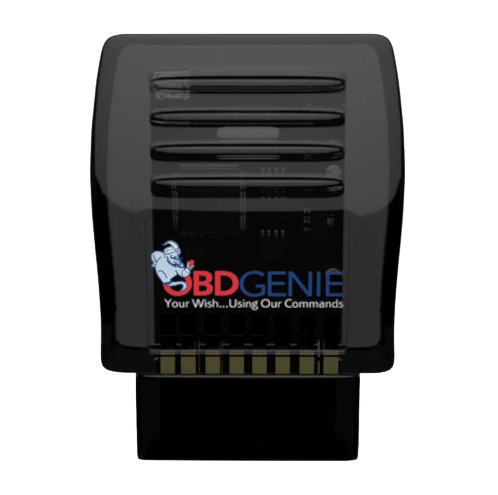
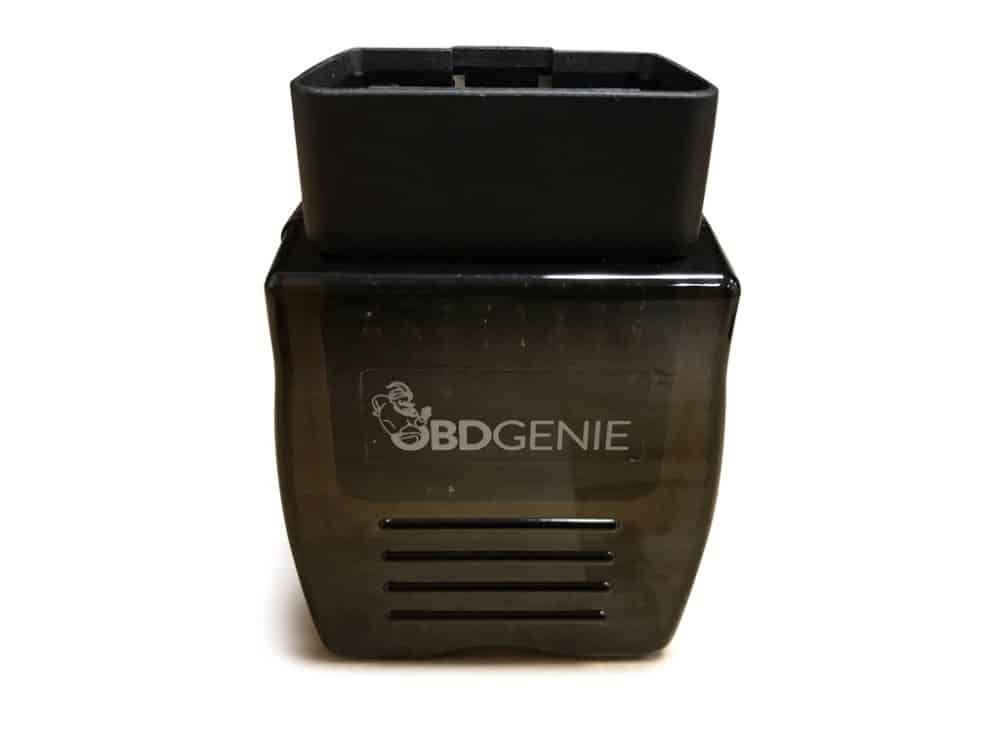
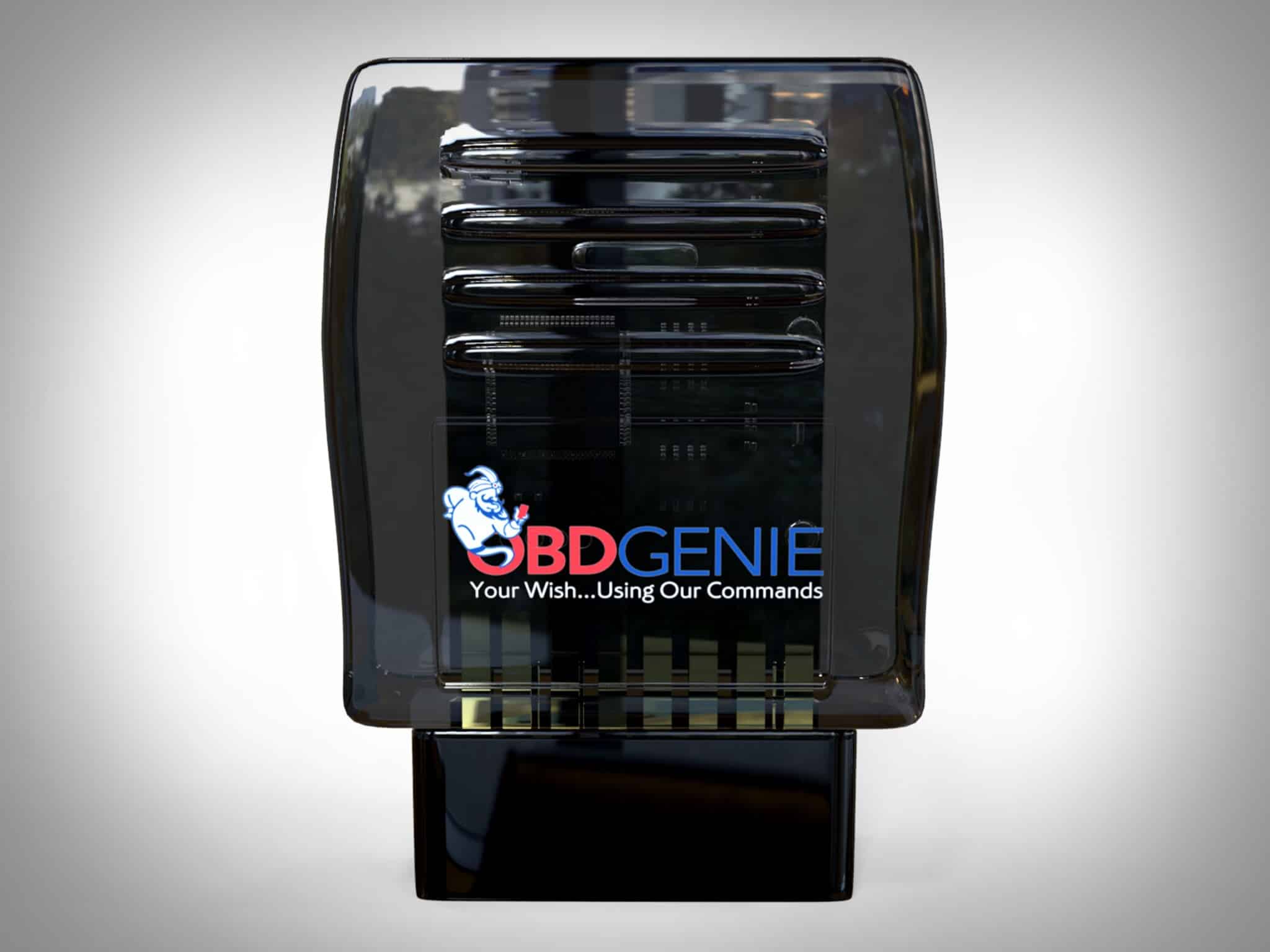
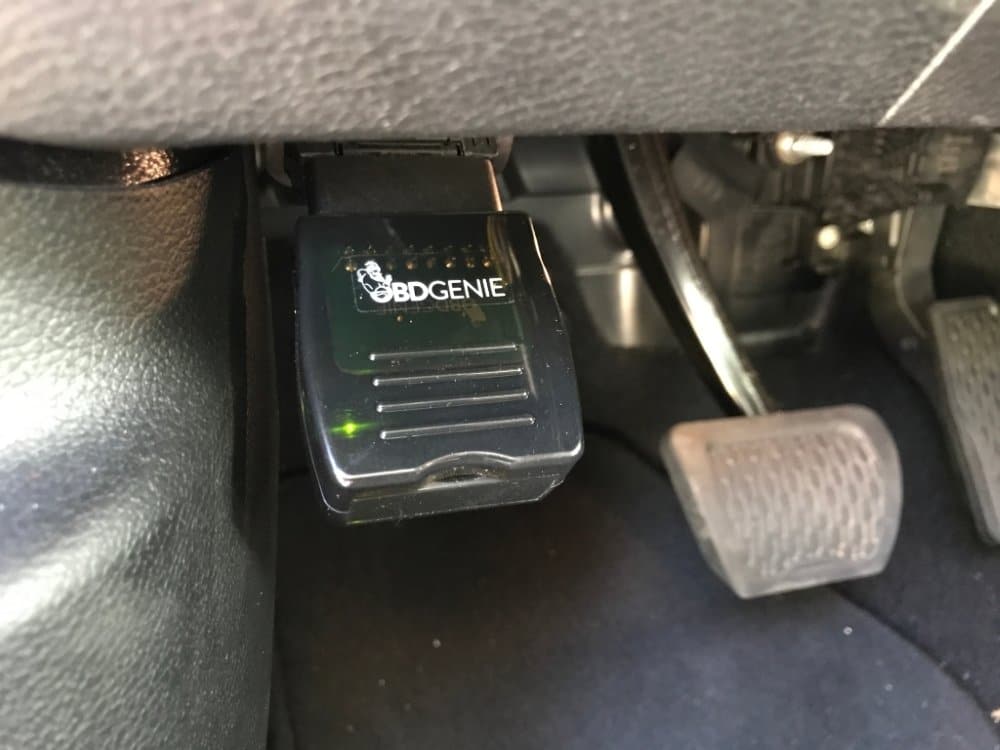
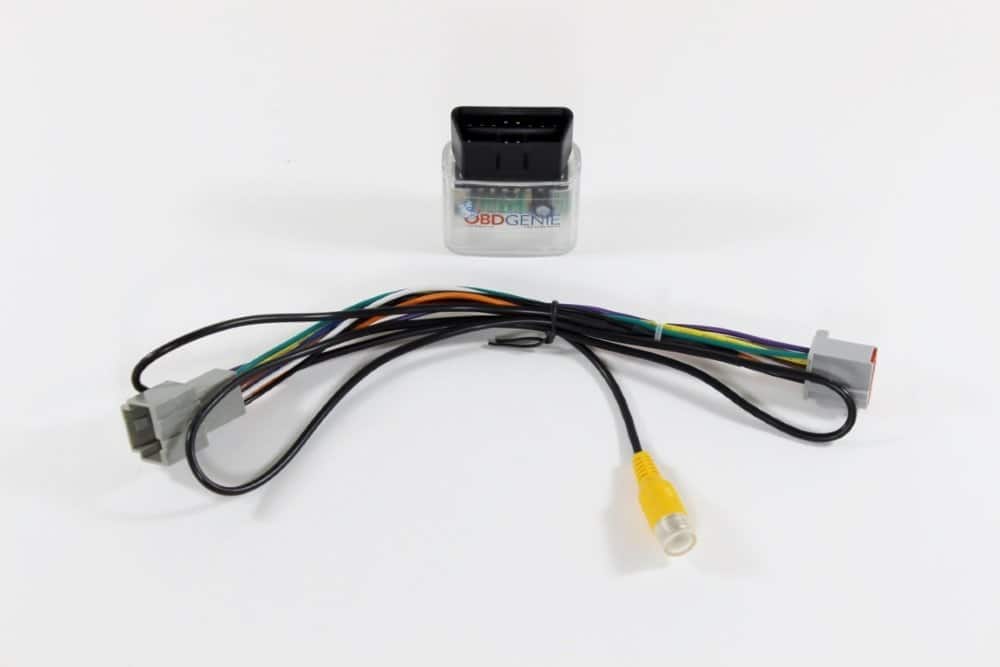
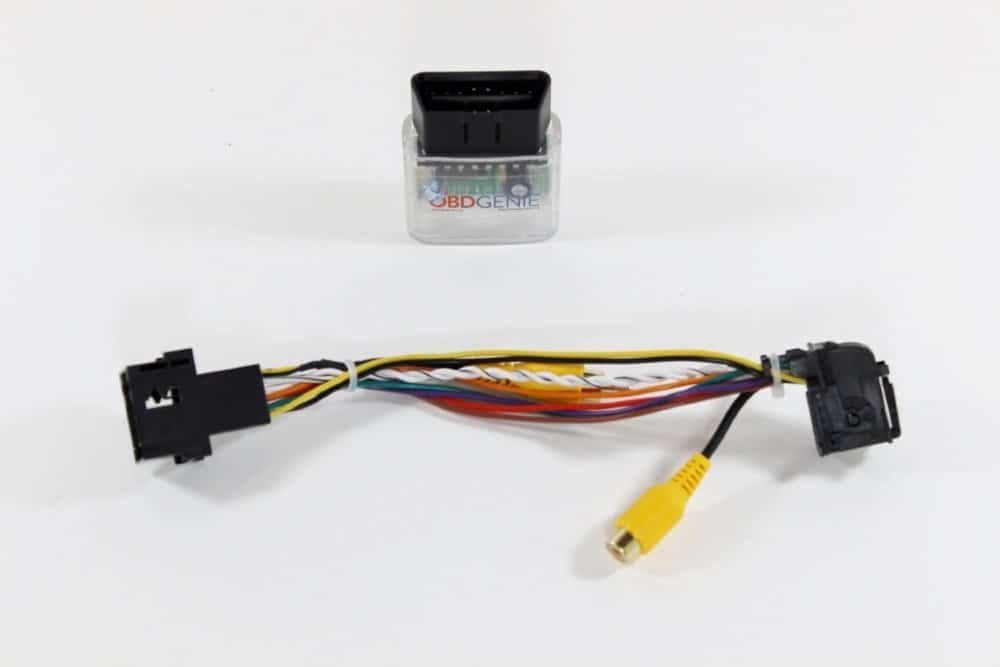
This revolutionary product allows just about any Ford owner to program their vehicle for backup / rear view camera. Installation is a breeze and takes only a few minutes. Simply install your backup camera to your factory radio screen then plug this Genie programmer into your vehicle’s OBDII port (under your steering column). The programmer will enable the backup camera feature on your vehicle’s computer just like it would from the factory.
This Genie programs for Ford vehicles that were manufactured with a Sync 2 or 3 8.4″ screen or upgraded to one (as shown below)
Product Installation
Simply install your backup camera to your factory radio screen then plug this Genie programmer into your vehicle’s OBDII port (under your steering column). The programmer will enable the backup camera feature on your vehicle’s computer just like it would from the?factory.
Product Features
Programs vehicle for rear view backup camera
VIN Locked OBD Programmer
Engineered in the USA
Vehicle Compatibility
| Car Make & Model | Car Year |
|---|---|
| Ford Edge | 2011 2012 2013 2014 2015 2016 2017 2018 2019 2020 |
| Ford Explorer | 2011 2012 2013 2014 2015 2016 2017 2018 2019 2021 2022 |
| Lincoln MKX | 2011 2012 2013 2014 2015 2016 2017 2018 |
| Ford Focus | 2012 2013 2014 2015 2016 2017 2018 |
| Ford C-Max | 2013 2014 2015 2016 2017 2018 |
| Ford Escape | 2013 2014 2015 2016 2017 2018 2019 2020 2021 2022 |
| Ford F-150 | 2013 2014 2015 2016 2017 2018 2019 2020 |
| Ford F-250 | 2013 2014 2015 2016 2017 2018 2019 2020 2021 2022 |
| Ford F-350 | 2013 2014 2015 2016 2017 2018 2019 2020 2021 2022 |
| Ford Flex | 2013 2014 2015 2016 2017 2018 2019 |
| Ford Fusion | 2013 2014 2015 2016 2017 2018 2019 2020 |
| Ford Taurus | 2013 2014 2015 2016 2017 2018 2019 |
| Lincoln MKS | 2013 2014 2015 2016 |
| Lincoln MKT | 2013 2014 2015 2016 2017 2018 2019 |
| Lincoln MKZ | 2013 2014 2015 2016 2017 2018 2019 2020 |
| Ford Fiesta | 2014 2015 2016 2017 2018 2019 2020 |
| Ford Transit Connect | 2014 2015 2016 2017 2018 2019 2020 2021 2022 |
| Ford Expedition | 2015 2016 2017 2018 2019 2020 2021 |
| Ford Mustang | 2015 2016 2017 2018 2019 2020 2021 2022 |
| Ford Transit | 2015 2016 2017 2020 2021 2022 |
| Lincoln MKC | 2015 2016 2017 2018 2019 2020 |
| Lincoln Navigator | 2015 2016 2017 2018 2019 2020 2021 |
| Lincoln Continental | 2018 2019 2020 |
| Ford EcoSport | 2019 2020 2021 2022 |
| Ford Ranger | 2019 2020 2021 2022 |
| Lincoln Nautilus | 2019 2020 |
| Lincoln Aviator | 2020 2021 2022 |
| Ford Bronco Sport | 2021 2022 |
| Lincoln Corsair | 2021 2022 |
Shipping & Delivery
Infotainment.com Shipping Policy:
- Infotainment.com uses the US Postal Service, UPS, and FedEx as package carriers
- Orders are shipped Monday – Friday (excluding holidays)
- Infotainment.com fulfills orders from 5 different locations in North America. Individual items within the order may ship from different locations with different tracking numbers
- Shipments are not able to be re-directed by the customer after being sent
- Next Day or Overnight shipping may be available on a case-by-case basis depending on the product and the technician labor that may be required.Not all expedited shipping methods are available to all locations.
- All orders will be assigned a tracking number. You will be emailed the tracking number once the shipping label is created. This can be tracked via the link in the email or directly on the carriers website.
Â
Domestic Shipping:
Canada & International Shipping:
Lost / Missing / Stolen Shipments
General:
- Verify the shipping address used within checkout to ensure it is correct
- Look for a notice of attempted delivery
- Look around the delivery location for your package. Many times carriers will place the package in a location that isn’t typical, ie. behind the fence, by the garage, near the mailbox, etc.Â
- See if someone else accepted the delivery such as a family member or neighbor. In recent past, customers have found the package mixed with other family member’s packages inside their home several days after delivery.
For missing UPS/FedEx shipped packages:
- A UPS1-800-742-5877Â or FedEx1-800-463-3339Â trace investigation must be initiated as soon as possible. This process takes up to 8 business days to be completed.
For missing USPS packages:
- A US Postal Service 1-800-222-1811Â trace investigation must be initiated as soon as possible. Many times USPS will suggest that it will take an extra 7 business days after the expected date of delivery to locate the package.
For missing packages that have been shipped to an APO/FPO:
- Please note that the Military Postal Service Agency does not consider a package to be lost until 60 days after the date of mailing. If the customer still has not received their package after 60 days then please contact customer service to assist you in filing a missing package inquiry with the MPSA. Once the inquiry is received, the MPSA will be in contact to positively identify the owner and ship the item to the recipient should it be found.
Â
In the event a lost or missing package is not recovered within 14-days (domestic shipments) or 30-days (international shipments) a police report may be required at the discretion of the customer support manager. All part numbers and/or serial numbers are recorded prior to shipping, this vital information will assist the police with the investigation. Depending solely on the circumstances, the customer support manager may opt to release another identical shipment requiring a direct signature of the original buyer.
Â
Description
This revolutionary product allows just about any Ford owner to program their vehicle for backup / rear view camera. Installation is a breeze and takes only a few minutes. Simply install your backup camera to your factory radio screen then plug this Genie programmer into your vehicle’s OBDII port (under your steering column). The programmer will enable the backup camera feature on your vehicle’s computer just like it would from the factory.
This Genie programs for Ford vehicles that were manufactured with a Sync 2 or 3 8.4″ screen or upgraded to one (as shown below)
Product Installation
Simply install your backup camera to your factory radio screen then plug this Genie programmer into your vehicle’s OBDII port (under your steering column). The programmer will enable the backup camera feature on your vehicle’s computer just like it would from the?factory.
Product Features
Programs vehicle for rear view backup camera
VIN Locked OBD Programmer
Engineered in the USA
Vehicle Compatibility
| Car Make & Model | Car Year |
|---|---|
| Ford Edge | 2011 2012 2013 2014 2015 2016 2017 2018 2019 2020 |
| Ford Explorer | 2011 2012 2013 2014 2015 2016 2017 2018 2019 2021 2022 |
| Lincoln MKX | 2011 2012 2013 2014 2015 2016 2017 2018 |
| Ford Focus | 2012 2013 2014 2015 2016 2017 2018 |
| Ford C-Max | 2013 2014 2015 2016 2017 2018 |
| Ford Escape | 2013 2014 2015 2016 2017 2018 2019 2020 2021 2022 |
| Ford F-150 | 2013 2014 2015 2016 2017 2018 2019 2020 |
| Ford F-250 | 2013 2014 2015 2016 2017 2018 2019 2020 2021 2022 |
| Ford F-350 | 2013 2014 2015 2016 2017 2018 2019 2020 2021 2022 |
| Ford Flex | 2013 2014 2015 2016 2017 2018 2019 |
| Ford Fusion | 2013 2014 2015 2016 2017 2018 2019 2020 |
| Ford Taurus | 2013 2014 2015 2016 2017 2018 2019 |
| Lincoln MKS | 2013 2014 2015 2016 |
| Lincoln MKT | 2013 2014 2015 2016 2017 2018 2019 |
| Lincoln MKZ | 2013 2014 2015 2016 2017 2018 2019 2020 |
| Ford Fiesta | 2014 2015 2016 2017 2018 2019 2020 |
| Ford Transit Connect | 2014 2015 2016 2017 2018 2019 2020 2021 2022 |
| Ford Expedition | 2015 2016 2017 2018 2019 2020 2021 |
| Ford Mustang | 2015 2016 2017 2018 2019 2020 2021 2022 |
| Ford Transit | 2015 2016 2017 2020 2021 2022 |
| Lincoln MKC | 2015 2016 2017 2018 2019 2020 |
| Lincoln Navigator | 2015 2016 2017 2018 2019 2020 2021 |
| Lincoln Continental | 2018 2019 2020 |
| Ford EcoSport | 2019 2020 2021 2022 |
| Ford Ranger | 2019 2020 2021 2022 |
| Lincoln Nautilus | 2019 2020 |
| Lincoln Aviator | 2020 2021 2022 |
| Ford Bronco Sport | 2021 2022 |
| Lincoln Corsair | 2021 2022 |
0.0 Average Rating Rated (0 Reviews)
Be the first to review “Ford Backup Rear View Camera Programmer”
You must be logged in to post a review.
Shipping & Delivery
Infotainment.com Shipping Policy:
- Infotainment.com uses the US Postal Service, UPS, and FedEx as package carriers
- Orders are shipped Monday – Friday (excluding holidays)
- Infotainment.com fulfills orders from 5 different locations in North America. Individual items within the order may ship from different locations with different tracking numbers
- Shipments are not able to be re-directed by the customer after being sent
- Next Day or Overnight shipping may be available on a case-by-case basis depending on the product and the technician labor that may be required.Not all expedited shipping methods are available to all locations.
- All orders will be assigned a tracking number. You will be emailed the tracking number once the shipping label is created. This can be tracked via the link in the email or directly on the carriers website.
Â
Domestic Shipping:
Canada & International Shipping:
Lost / Missing / Stolen Shipments
General:
- Verify the shipping address used within checkout to ensure it is correct
- Look for a notice of attempted delivery
- Look around the delivery location for your package. Many times carriers will place the package in a location that isn’t typical, ie. behind the fence, by the garage, near the mailbox, etc.Â
- See if someone else accepted the delivery such as a family member or neighbor. In recent past, customers have found the package mixed with other family member’s packages inside their home several days after delivery.
For missing UPS/FedEx shipped packages:
- A UPS1-800-742-5877Â or FedEx1-800-463-3339Â trace investigation must be initiated as soon as possible. This process takes up to 8 business days to be completed.
For missing USPS packages:
- A US Postal Service 1-800-222-1811Â trace investigation must be initiated as soon as possible. Many times USPS will suggest that it will take an extra 7 business days after the expected date of delivery to locate the package.
For missing packages that have been shipped to an APO/FPO:
- Please note that the Military Postal Service Agency does not consider a package to be lost until 60 days after the date of mailing. If the customer still has not received their package after 60 days then please contact customer service to assist you in filing a missing package inquiry with the MPSA. Once the inquiry is received, the MPSA will be in contact to positively identify the owner and ship the item to the recipient should it be found.
Â
In the event a lost or missing package is not recovered within 14-days (domestic shipments) or 30-days (international shipments) a police report may be required at the discretion of the customer support manager. All part numbers and/or serial numbers are recorded prior to shipping, this vital information will assist the police with the investigation. Depending solely on the circumstances, the customer support manager may opt to release another identical shipment requiring a direct signature of the original buyer.
Â


0.0 Average Rating Rated (0 Reviews)